Stop getting misheard.
Everyone is busy teaching phones to understand people. We went the other way. Two minutes a day, and you learn to say the words your phone keeps getting wrong. No account. No cloud. Nothing leaves your pocket.
Free for 14 days, then $4.99 once. iPhone and iPad, US English.
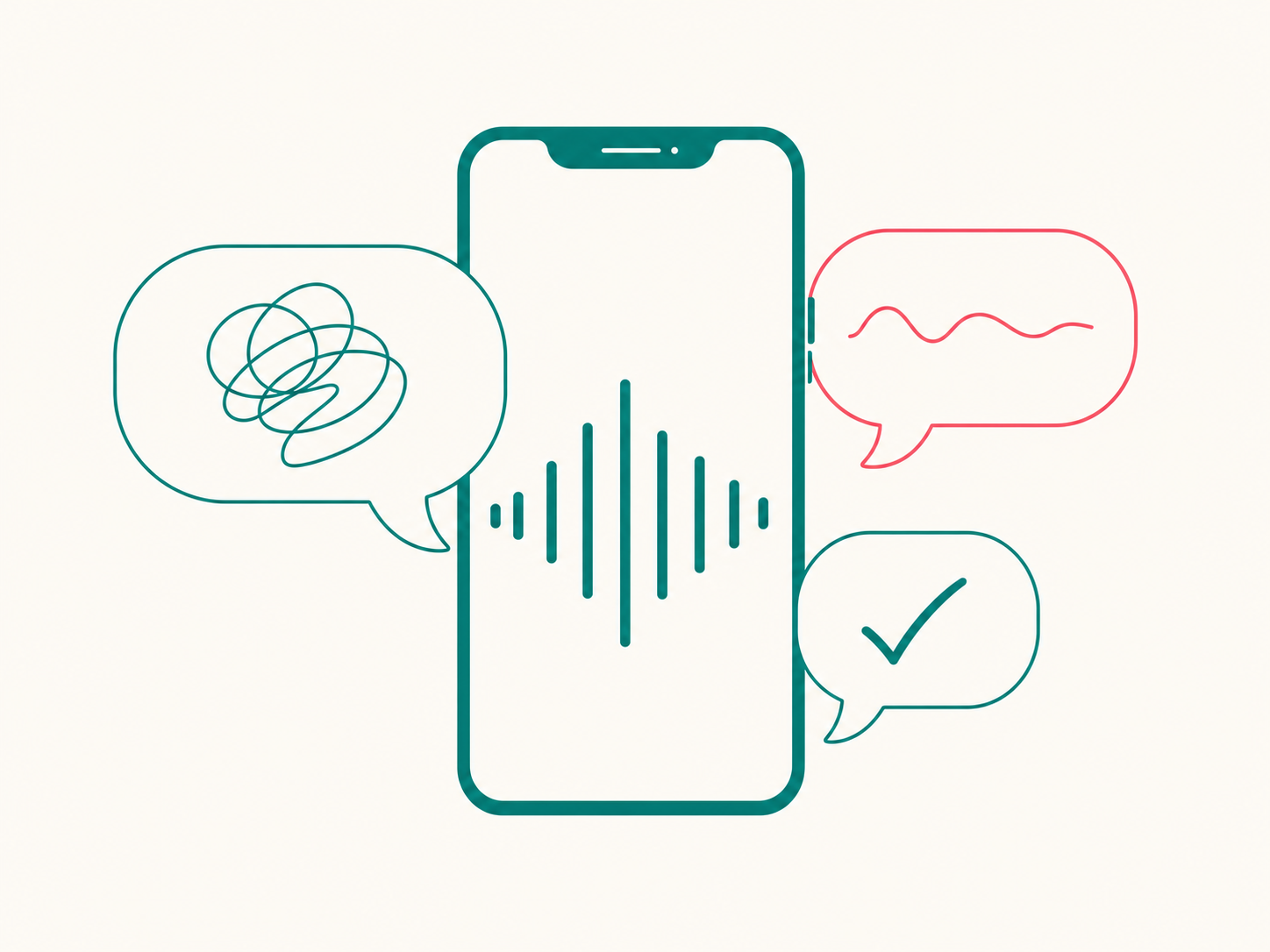
Quick clarification: this has nothing to do with misheard song lyrics. It is about the words you say every day, and what your phone types instead.
Your phone is not going to get better at hearing you.
It has been trained on a billion voices. Yours is not the one it is waiting for. So you repeat yourself, or you type it, or you give up and say "never mind."
You can get better at being heard. It takes about as long as brushing your teeth, and the phone that ignores you today is the same one that will listen tomorrow.
misheard.app does not touch your phone's settings. It changes the one thing you control: how you say it.
Say it. See it. Fix it. Say it again.
That is the whole app. Here is one round.
Every round tells you which sound went missing, not just that you failed. Do a handful of rounds a day and watch your problem words fall off the list.
Make a list. Send a link. Thirty students practice tonight.
Spelling lists. Sight words. This week's vocabulary. The minimal pairs your ESL class keeps mixing up. Build the list once, share the link, and every student who opens it gets the same drill on their own phone.
You do not need an account, and neither do they. You do not even need the app to build a list: make one at misheard.app/l and share the link from there.
Nothing about your students is collected. Not their names, not their voices, not their scores. There is no server to collect it.
Works for coaches, parents, and anyone who has ever been asked to "say it again."
Who this is for.
Anyone who dictates for a living. Clinic notes between patients. Case files in the car. Site reports, inspection findings, the follow-up email you talk out on the walk back. If a tenth of what you dictate comes back wrong, you are retyping an hour a week.
People whose name the phone refuses to learn. Teachers with a list and a class. ESL learners, and the people who teach them. And anyone who has said "never mind" to Siri more than once this week.
If your phone gets you right every time, you do not need this. Send it to someone whose phone does not.
Rolling it out to a team? There are pages for healthcare, warehouses, field service, trucking, and public safety.
There is no server.
That sentence is our entire privacy policy. It is also why the app costs $4.99, once.
No server means your voice never leaves your phone. Nothing to leak, nothing to breach, nothing for us to see. No account to create, no email to hand over.
No server also means no monthly bill for us to pass along to you. So there is no recurring charge, and there never will be.
Free for 14 days. Everything unlocked. No card, no account. Then $4.99. Once.
Get it on the App StoreSpeech recognition runs on your phone by default. If you turn that setting off, recognition uses Apple's servers instead; we still never see it. Full policy at /privacy.
Still want the details?
- Daily challenge. One shared word or phrase, every day, from a set of 365 the phone gets wrong most.
- Coaching. Tells you which sound went missing, not just that you missed.
- Problem words, ranked. Your hit rate per word, so you know what to practice.
- Your own phrases. Product names, medical terms, family names, whatever you actually say.
- Shared lists. Build one, share a link, practice together.
- Offline. Works on a plane, in a basement, anywhere.
- iPhone and iPad, US English. More languages are coming as separate apps.
- Family Sharing. One purchase covers everyone in your family group.
Frequently asked
No. Different kind of misheard. This one trains the way you speak so dictation and voice assistants stop guessing.
The app has no backend. No login, no sync, no analytics endpoint. Your voice, your scores, and your history live on your phone and nowhere else. Delete the app and they are gone.
Build a list in the app or at misheard.app/l, then share the link. Students open it in the app and get the same drill. No accounts on either side, and nothing about your students is collected.
No. With Keep speech on device switched on (the default) recognition, scoring and history all stay on your iPhone, and the app works in airplane mode. Switch it off and misheard may fall back to Apple's speech servers, the same as iOS dictation. The result screen always says which one was used.
Yes. That is the point of it. Product names, medical terminology, family names, or anything dictation keeps getting wrong for you.
iPhone and iPad, US English. Other languages will ship as separate apps.
Because there is no server to pay for. You buy it once and it is yours.
Yes. The download is free, fourteen days are free with everything unlocked, then one purchase. No recurring charge, no ads. Today's challenge word stays free forever either way. Refunds are handled through Apple's standard App Store refund process.